Product Description
What it is
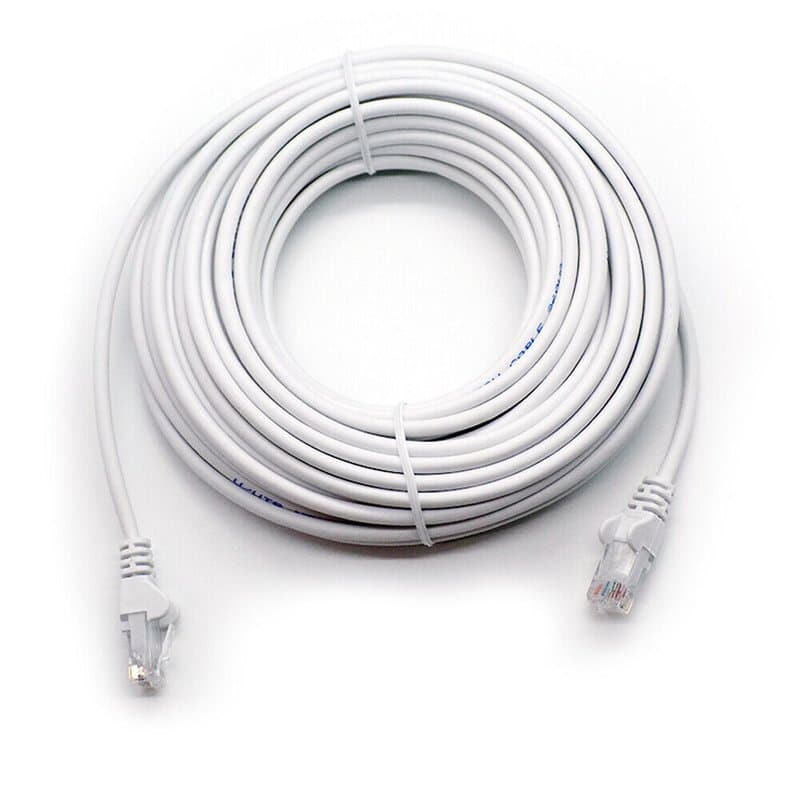
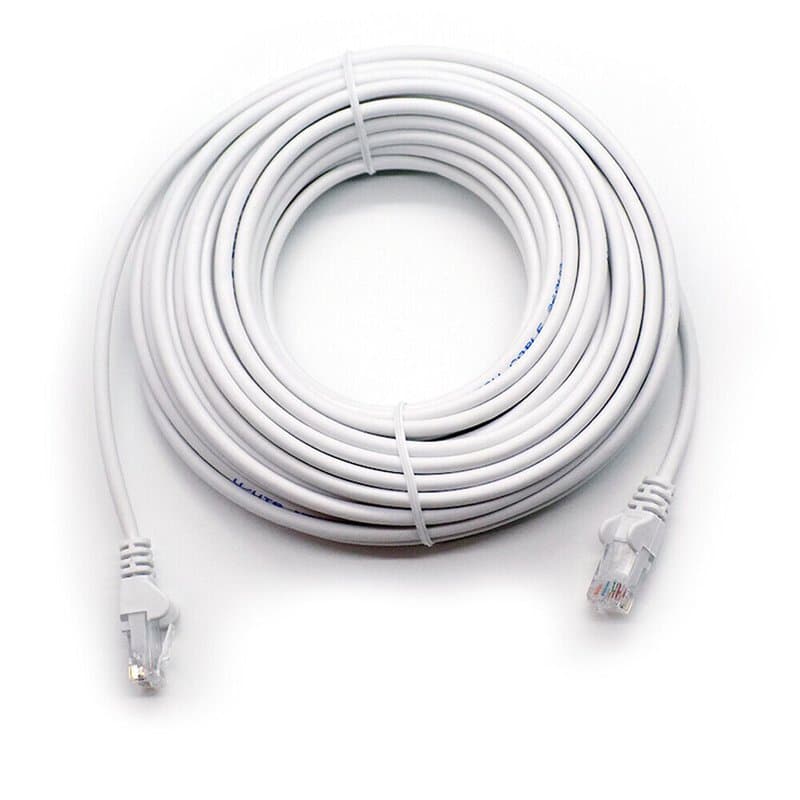
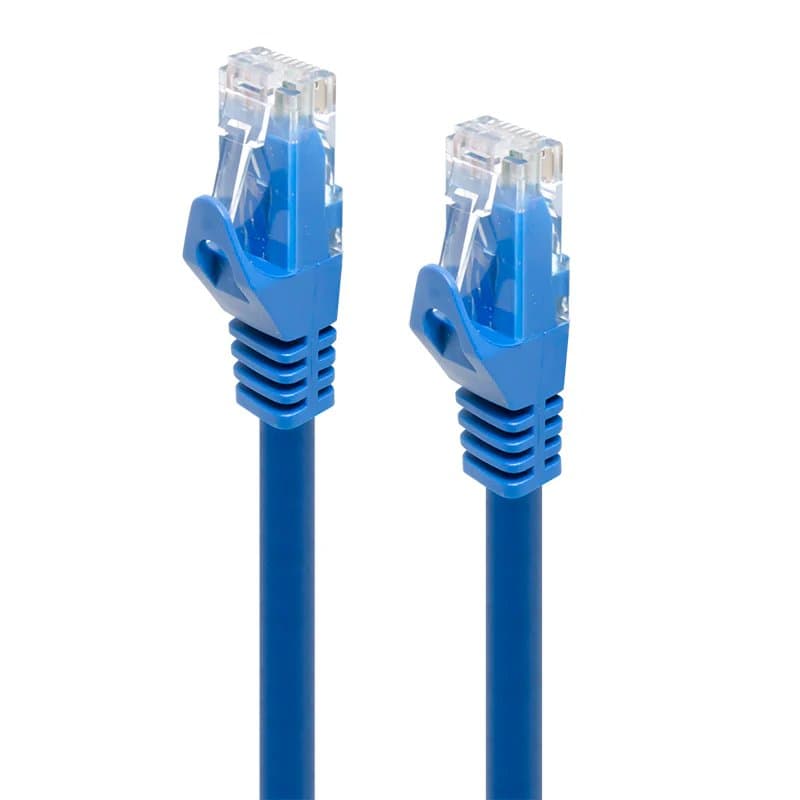
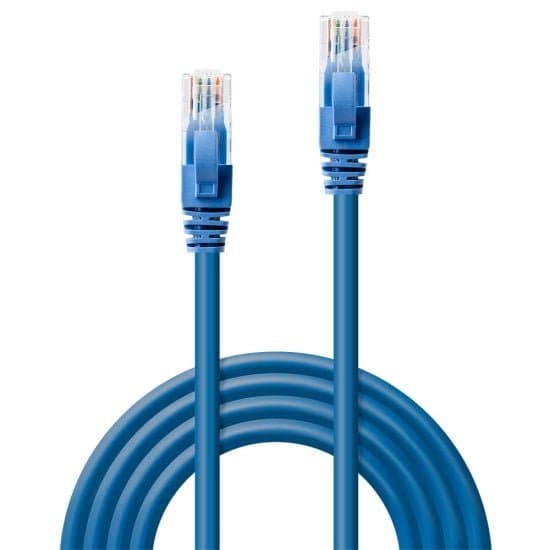
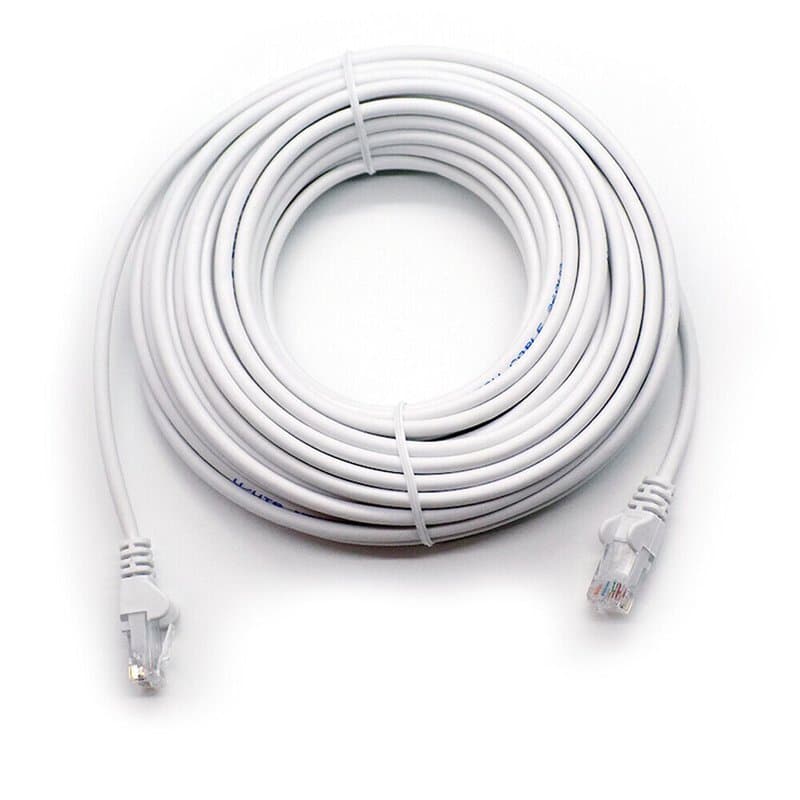
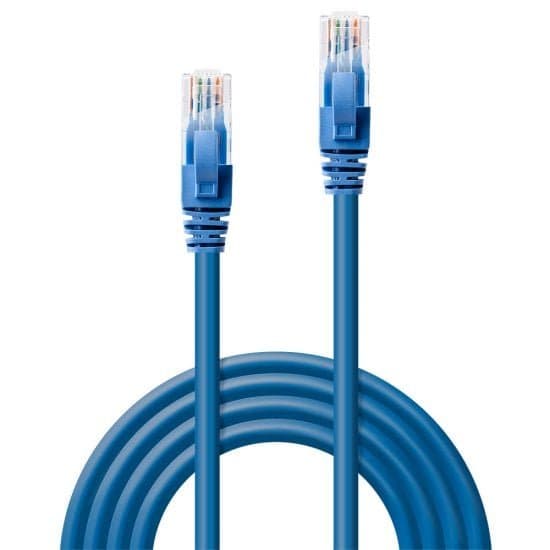
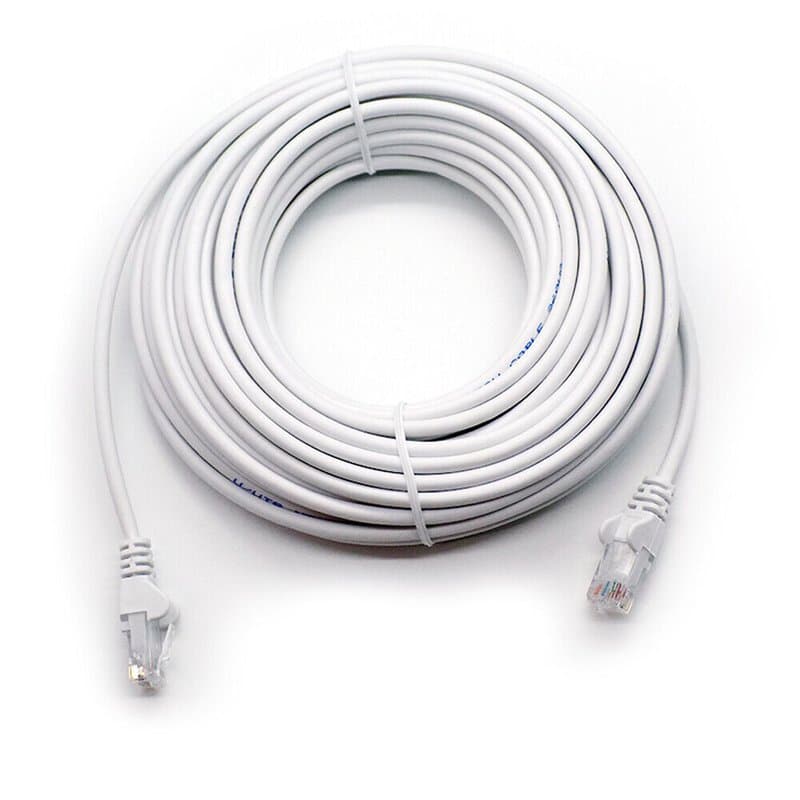
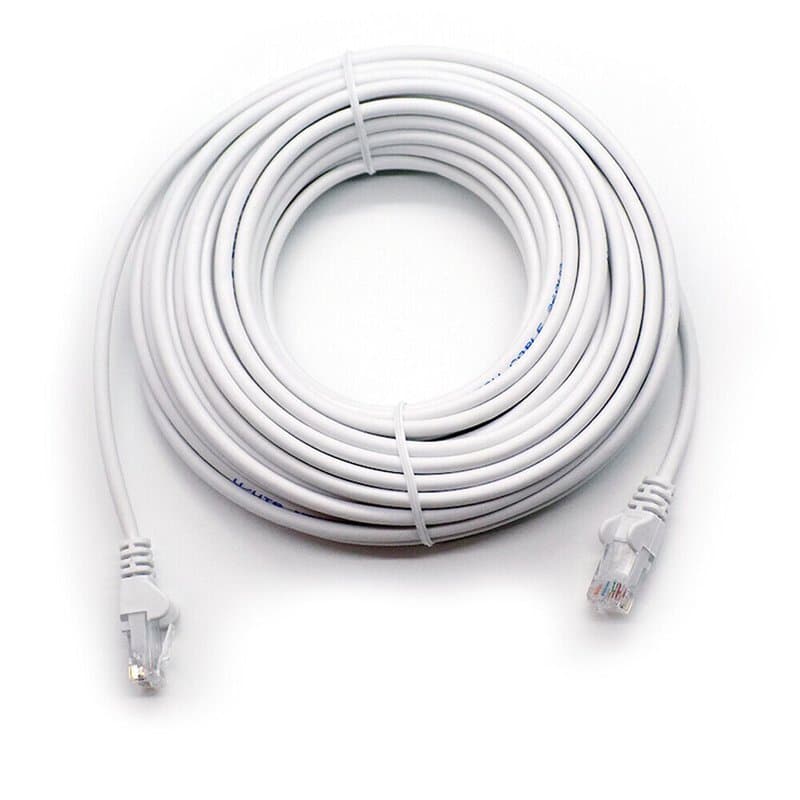
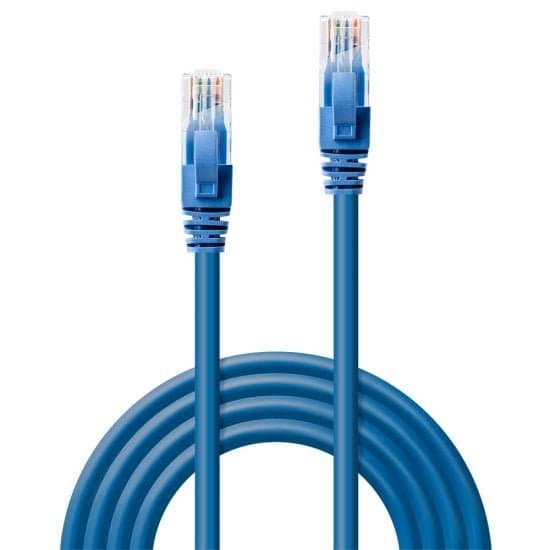
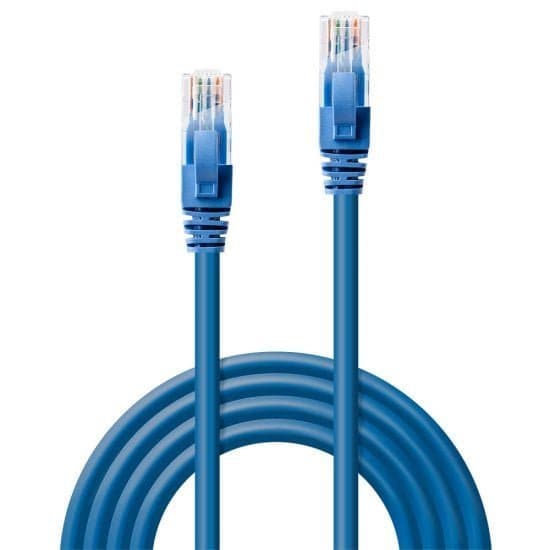
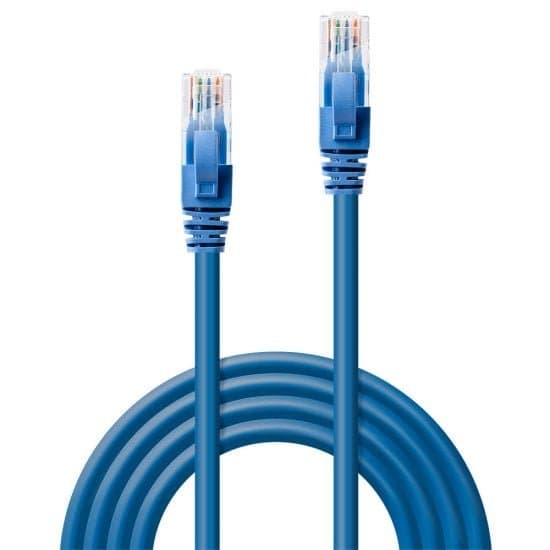
A 4-metre Cat6 RJ45 patch lead terminated at both ends, used to connect network equipment where the devices sit close together — router to switch, switch to NVR, or a short run from a wall socket to a PoE injector.
Where it fits on a CCTV job
Four metres is a short-to-medium patch length. It suits equipment mounted in the same rack or cabinet, or bridging a short gap in first-fix cabling. It is not intended as a long camera-to-NVR run — for those distances, use a longer-length Cat6 cable rated for the actual run, and measure the route (including slack for corners and containment) before ordering.
Key specs
- Category: Cat6 — supports higher data transmission speeds than Cat5e, relevant when pulling high-resolution CCTV footage or handling network-wide traffic.
- Length: 4m
- Connectors: RJ45 both ends
- Colour: blue
- Use cases: home networks, office network infrastructure, CCTV system patching (router/switch/NVR/PoE injector connections)
Practical note
On PoE CCTV runs, cable quality and length affect voltage delivery to the camera end — a weak or overly long run can contribute to power-related issues such as flickering IR at night. This 4m lead is aimed at short patch connections rather than extended camera runs, so it isn't the part of the chain typically implicated in that failure mode.
Specifications
- Cable Category
- CAT6
- Length
- 4m
- Colour
- Blue
- Connector Type
- RJ45
Frequently Asked Questions
Is this suitable as a long camera-to-NVR run?
No — 4m is a short-to-medium patch length, intended for equipment sitting close together such as switch-to-NVR or wall socket to PoE injector. For longer camera runs, use a longer-length Cat6 cable rated for that distance.
What's the difference between Cat6 and Cat5e for CCTV?
Cat6 supports higher data transmission speeds than Cat5e, which is useful when handling high-resolution CCTV footage or general network traffic.
Does cable length affect PoE camera performance?
Cable quality and length affect voltage delivery to the camera end; a weak or overly long run can contribute to power-related symptoms like flickering IR at night, so match cable length to the actual run before installing.