Product Description
A9 WiFi Tuya EM RFID Access Keypad — spec sheet for installers
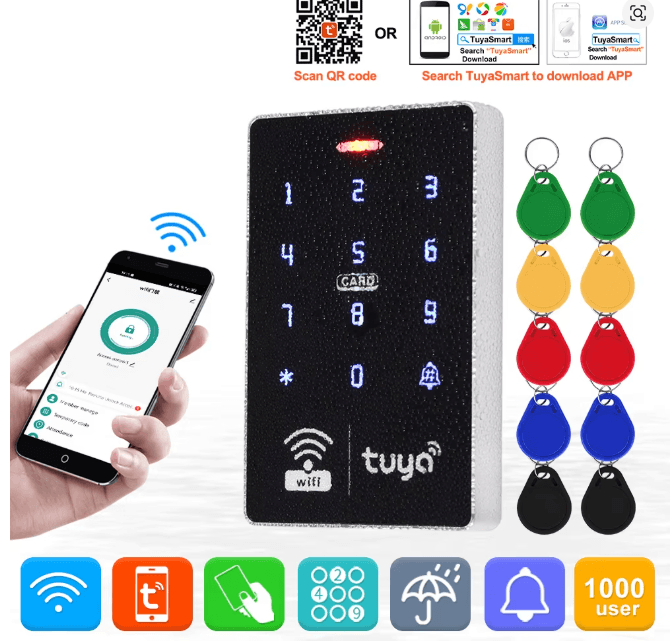
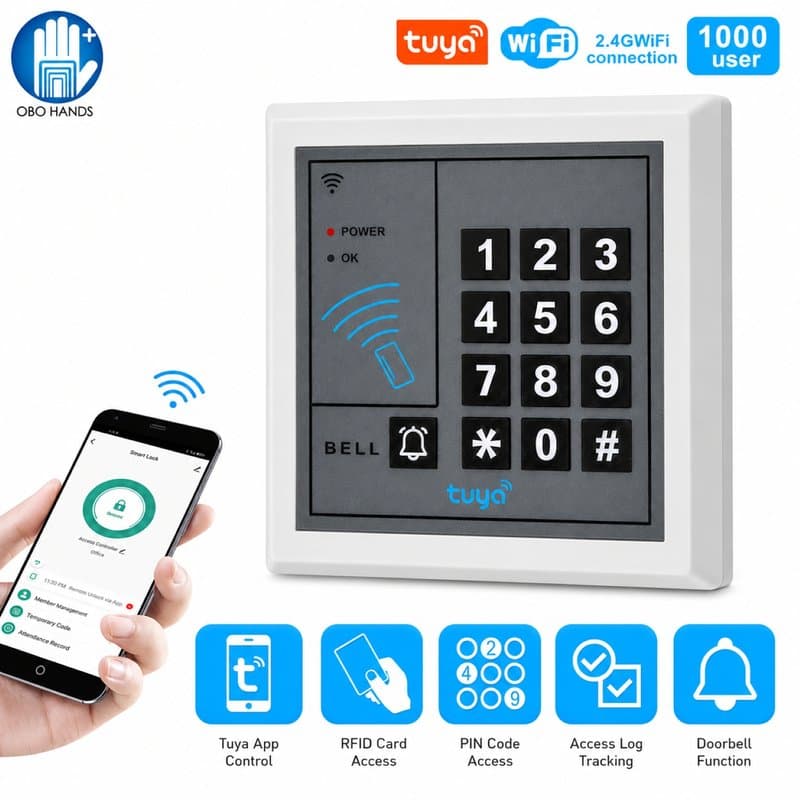
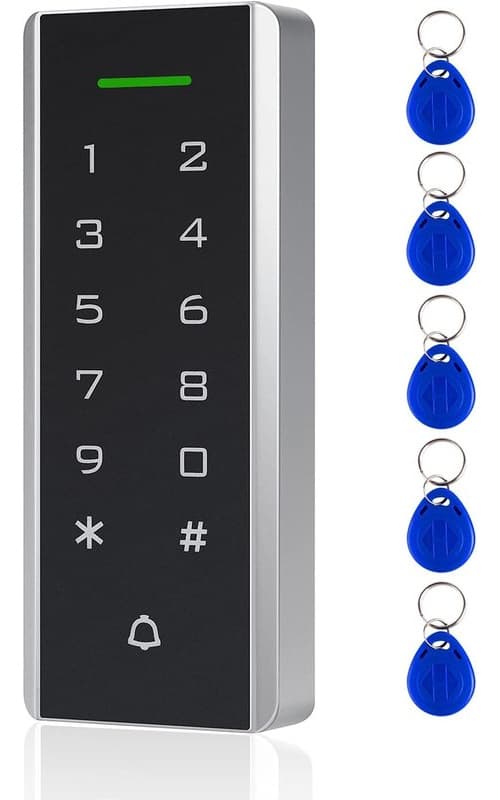
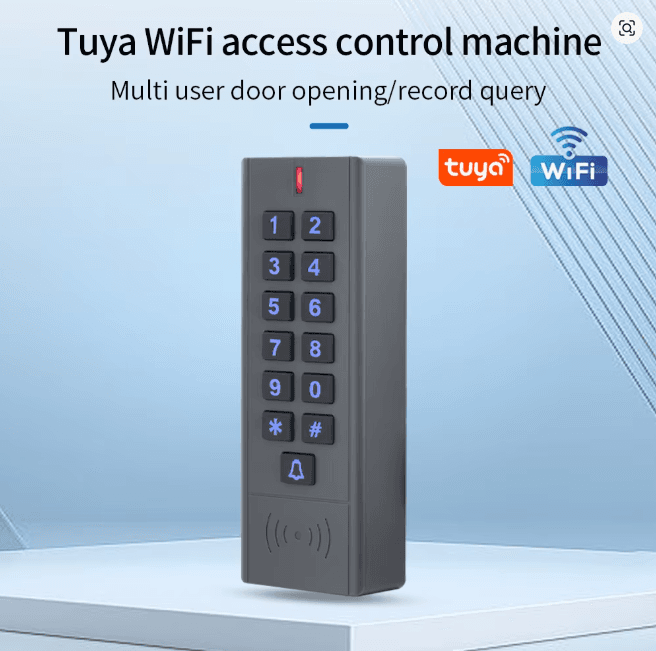
The A9 keypad controller (SKU: Control-Keypad-OTA-Door-Controller-System-RFID-Keyboard-A9-EM-WIFI) is a standalone WiFi door access unit built around Tuya's cloud/app platform, reading EM-format 125kHz cards and fobs.
Power and wiring
Accepts 12V-24V DC input, giving it flexibility across typical access-control power supplies. It's rated waterproof, so it can sit on an external door frame or gate post without an added enclosure.
Control and output
- Wires directly to an electric strike or magnetic lock
- Includes a request-to-exit (REX) input for a standard exit button or PIR
- WG26/34/44/56/58 Wiegand output options, listed on the unit for wiring into third-party controllers or panels
- OTA (over-the-air) configuration — user credentials and codes can be added or removed from the Tuya app rather than only at the keypad face
Where it fits
Because credential management happens remotely via app, this suits single-door jobs where a client wants self-service user management without a networked access panel — small offices, gated side doors, plant rooms, comms cabinets. As a Wiegand-output device it can also feed into an existing access control panel that supports the WG26/34/44/56/58 formats listed above, useful when retrofitting or extending an existing card system.
Confirm your card population is genuinely EM 125kHz before ordering — this unit does not read Mifare/13.56MHz credentials.
Frequently Asked Questions
What card format does the A9 keypad support?
It reads EM-format 125kHz cards and fobs; it is not compatible with 13.56MHz Mifare credentials.
What power supply does it need?
It runs on 12V-24V DC, matching the range used by most electric strikes and maglocks on this type of installation.
Can I manage users without being at the keypad?
Yes — it supports OTA configuration via the Tuya app, so codes and users can be added or removed remotely rather than only at the keypad face.
Does it work with existing access control panels?
It provides WG26/34/44/56/58 Wiegand output options, so it can feed into a third-party panel that supports those formats, alongside wiring straight to a strike or maglock with a request-to-exit input.