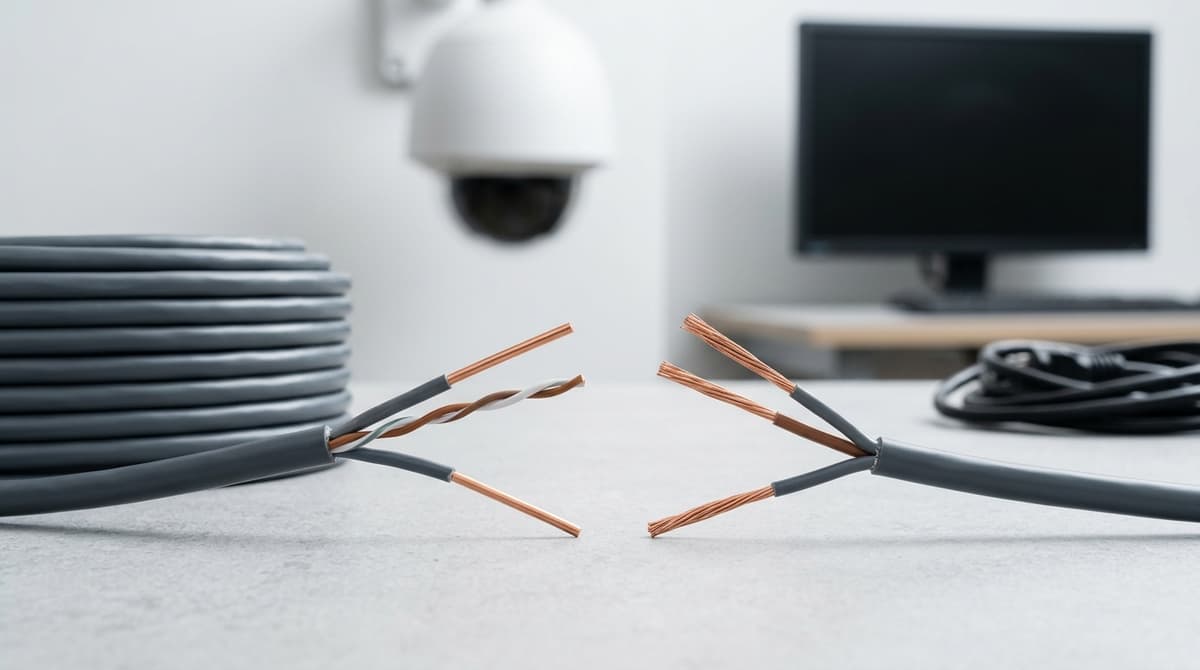
For permanent runs from an NVR or switch to a camera, use solid-core LAN cable. Stranded cable suits patch leads and anything that gets moved or plugged and unplugged. That is general installer guidance, not a standard, and it comes with a qualification: neither type is weatherproof on its own.
The outer jacket and the conduit decide how long an outdoor run lasts, so choose those as carefully as the conductor.
Which LAN cable wire goes in the wall: solid or stranded?
Solid-core cable suits permanent in-wall runs from an NVR or switch to a camera, while stranded cable suits patch leads and short flexible links. That is general installer guidance, not a rule written into a standard.
Both types share the same layout of eight wires in four twisted pairs, as Netgear describes. The difference is inside each wire: solid cable has a single copper conductor per wire, whereas stranded cable twists many fine strands together to make each one.
How they behave in practice
- Solid: rigid and holds its shape in a clip or conduit. It is normally terminated by punching down onto a keystone jack or patch panel.
- Stranded: flexes easily and tolerates being moved. It is normally crimped straight onto an RJ45 plug, and plugs are sold for solid or stranded conductors, so check the pack before buying.
Use solid for the fixed route and stranded for the ends that get handled. The trade-off is that solid cable is stiff and can break at a point that is bent repeatedly, such as a tight turn behind a recorder. Stranded cable survives that movement but is not the cable for long permanent runs.
For CCTV cable wire, that usually means solid-core from the comms cabinet to the camera position, with short factory-made leads at the equipment. A lead such as the Cat6 RJ45 Ethernet Cable 2m covers the hop from wall outlet to recorder. I haven't quoted an attenuation difference between the two constructions, because that depends on the specific cable. Check its datasheet.
When does each cable type fail in practice?
Solid-core cable fails by fatigue where it is bent or moved, while stranded cable fails at the crimp or in tightly bundled runs.
Solid-core failures
A solid conductor can fatigue and snap at a kink, or at a connector that keeps moving. Typical spots are a cable flexed at a camera bracket during adjustment, or a tight bend behind a recorder. The symptom is a link that works intermittently, then drops, so suspect a hidden break before blaming the camera or switch.
Stranded failures
As general guidance rather than a measured rate, stranded cable tends to fail where the connector never made firm contact with every strand. Bundled runs are the other weak point, because tightly packed cables can run warmer. That matters most on PoE-powered CCTV cable wire.
Termination discipline
Ground Control's guide covers crimping RJ45 connectors onto cut ends and repeating the same colour order at both ends. Before any lead goes into a ceiling or onto a bracket, check:
- the jacket strip length is correct
- every wire is fully seated at the end of the connector
- no wire is shorter than the rest
- the cable sleeve sits inside the connector
- the finished lead has been tested before install
Our own leads
Our Cat6 2m patch lead is described as 24AWG copper with gold-plated connectors. We don't state conductor construction for any of our leads, so check the datasheet before assuming solid or stranded.
Indoor vs outdoor CCTV cable: what does the jacket have to survive?
Indoor-rated jackets lack protection against sunlight, moisture and ground contact, so outdoor runs require UV-resistant jackets, conduit, armour or combinations thereof. Always check the datasheet explicitly for UV-resistant and outdoor-use claims.
An indoor-rated jacket isn't built for sunlight, damp or ground contact, so outdoor runs need a UV-resistant jacket, conduit or armour, or both. The datasheet should say so explicitly. "Black" on a listing tells you nothing about weather resistance.
What a datasheet should tell you
Lapp's industrial Cat5e listing for its ETHERLINE TRAIN FLEX cable is a useful model of the wording. It states indoor and outdoor use, and separately lists halogen-free, flame-retardant and UV-resistant properties, with a PE outer sheath. This is a screened PROFINET industrial cable, so treat it as an example of what to look for, not a CCTV recommendation.
Compare that with the 40m lead at the head of our group catalogue, which is described as a "black jacket for indoor installations". Wording like that is your cue to keep the cable inside the building. If a listing says nothing about UV or outdoor use, assume it hasn't been designed for it.
LSZH or PVC
LSZH (low smoke, zero halogen) and PVC describe how the jacket behaves in a fire, not how it copes with weather. Lapp's listing shows this: halogen-free and UV-resistant appear as separate claims, so one doesn't imply the other. Check for both if the cable is outdoors and also runs through a building where smoke matters.
For buried or exposed runs, steel wire armoured cable is the route to take.
How should you protect LAN cable in conduit and on long runs?
Conduit provides mechanical protection from abrasion, rodents and UV, but does not waterproof non-outdoor cable. Water enters at joints and condensation forms inside, so drip loops, sealed entries and proper routing remain essential.
Conduit protects LAN cable from abrasion, rodents and UV, but it does not make a non-outdoor cable weatherproof. Treat it as mechanical protection, not a waterproofing layer. Water can still get in at joints and entries, and condensation can form inside a run that swings between warm and cold. Drip loops, sealed entries and routing that sheds water away from the termination still matter.
Four points of general guidance for the pull and the finish:
- Bend radius: keep to the cable manufacturer's stated minimum. Tight elbows can degrade performance.
- Fill and pulling: don't over-fill the conduit or force a pull. If it fights you, stop and find the snag.
- Segregation: keep data cable apart from mains, using BS 7671 and your own compliance routine as the reference rather than a rule of thumb.
- Service loop: leave one at the camera so you can re-terminate or re-aim without re-pulling.
For distance, the channel limit is 100 m for Cat5, Cat5e and Cat6. Netgear's cable table lists 100 m (330 ft) for Cat5 and Cat5e. As general guidance, patch leads count towards that channel length. A 15 m Cat6 lead at the switch end comes out of the same budget as the cable in the wall.
One more reason not to cram the conduit: PoE cameras put power down the same pairs, and tightly packed bundles may run warmer. Leave some space, and check the cable maker's guidance for bundling.
How do you wire a LAN cable correctly: T568A or T568B, and how do you fix a bad link?
Either T568A or T568B gives a working link, provided both ends of the cable use the same one. I'm not aware of a European or UK rule that mandates either, so follow the site specification. If there isn't one, pick one standard per site and record it on the as-built drawings.
T568B colour order (pin 1 to 8)
General guidance for a straight-through lead or outlet:
- White/orange
- Orange
- White/green
- Blue
- White/blue
- Green
- White/brown
- Brown
Colour order matters, and the green pair is split around the blue pair rather than sitting side by side. Ground Control's cable-making guide makes the same point. T568A swaps the orange and green pairs and keeps the rest.
Punch-down or crimp
Punch-down onto keystones and patch panels suits solid-core cable. Crimped RJ45 plugs suit stranded leads. Some plugs accept solid core and some don't, so check the plug's datasheet before crimping onto a fixed run.
Fixing a bad link
- Retest with a cable tester to see whether the fault is an open, a short or crossed pairs.
- Inspect the termination. Look for conductors left too short to seat on the contacts, and for an outer sleeve that has pulled back out of the plug's grip.
- Re-terminate. Cut back past the damage and redo the end in your chosen order.
Don't splice a failing run. Re-terminate it or replace the section. To check whether the fault is in the fixed cable or the patching, swap in a factory-made lead such as our 2m Cat6 U/UTP patch lead.
Related products from our own range:
- Cat6 RJ45 Ethernet Cable 2m – U/UTP LAN Lead, 250MHz — 2m Cat6 U/UTP RJ45 patch cable for CCTV, PoE cameras, routers & PCs — gold-plated connectors, 250MHz bandwidth, 24AWG copper. Trade stock, Coventry collection.
- CAT6 RJ45 Ethernet Cable 4M – Gold-Plated — CAT6 RJ45 connector cable, 4 metres with gold-plated connectors for CCTV, routers and PCs. High-speed, minimal interference. UK trade supply.
- CAT6 Ethernet Cable 15M – Gold-Plated RJ45 LAN Lead — 15M CAT6 RJ45 Ethernet cable with gold-plated connectors for CCTV, routers, PCs and PS4. High-speed LAN lead for reliable network performance.
- Cat6 Ethernet Cable 20m Black – Gigabit RJ45 — 20m Cat6 Ethernet cable with pure copper conductors, RJ45 connectors and 1000Mbps gigabit speed. Low-profile UTP design, gold-plated pins, RoHS compliant.