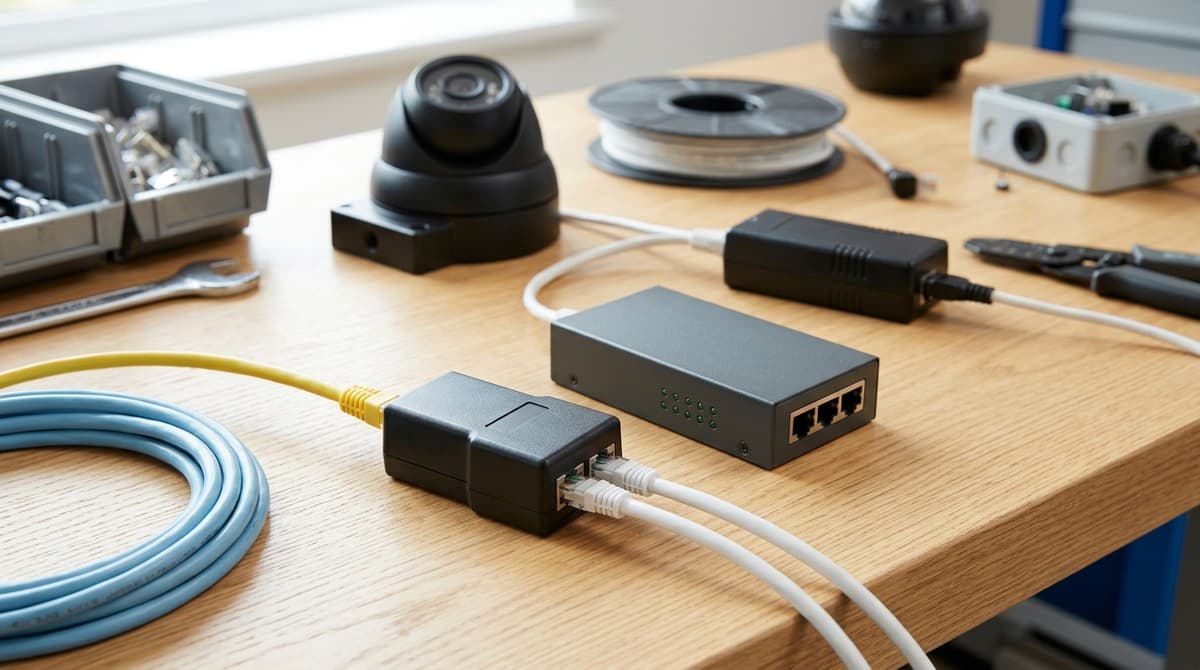
A passive ethernet splitter is not a network switch, and it is a poor fit for PoE CCTV cameras. It simply re-wires the cable's spare pairs to carry a second 10/100 link, and it only works as a pair, with one adapter at each end of the run. Those spare pairs are the ones PoE can rely on to power a camera, so a camera is better served by a PoE switch or injector. The exceptions are narrow, and this guide sets out which ones they are and how to spot a failing splitter before you blame the camera.
What is an ethernet splitter, and what does it actually do?
A passive ethernet Y splitter is a small adapter with one plug and two jacks that re-wires cable pairs inside the connector to carry a second link down one cable. That is the short answer to "what is an ethernet splitter" for most listings you will see.
The SFCable explainer sets out the mechanism. Cat5, Cat5e and Cat6 cable carries four twisted pairs, but older 10/100BASE-T only uses two of them. A passive splitter borrows the spare two pairs to carry a second link down the same cable.
The catch: you need one at each end
One splitter on its own does nothing useful. The Tripp Lite N035-001 datasheet states that two adapters are required, one at each end of the run. It also rates the unit for 10/100 Mbps on Cat5/Cat5e. The StarTech listing frames it the same way: two 10/100 devices on a single Cat5/Cat5e drop.
We stock the RJ45 Y-Splitter: 1 to 2 Ethernet Port Adapter, listed for CCTV installers and network technicians who need to expand Ethernet connectivity. Check the product page for its exact wiring, speed rating and PoE support before you specify it. Trade-account holders can see pricing when signed in.
How powered splitters differ
A powered splitter is a different device. The TP-Link EH210 is a 1-to-2 unit with a gigabit rating of up to 1000 Mbps. Some products in that class need external USB power, as the Tekzo review video points out, so they work differently from a passive wiring adapter.
Do ethernet splitters work with PoE cameras?
No: a passive ethernet splitter is unreliable for PoE cameras and should not be specified. This is general installer guidance rather than a measured result, as no published test covers PoE through a splitter. The reasoning comes from how the splitter is built.
Pair clash
A passive splitter works by re-wiring the cable's four twisted pairs, giving the spare pairs to a second link. Depending on the switch and camera, PoE may be delivered over those same spare pairs. The splitter and the power feed can then be competing for the same copper.
Speed cap
Passive splitting only works when the link runs at 10/100. StarTech describes its splitter as connecting two 10/100 devices to one Cat5/Cat5e drop, and Tripp Lite's N035-001 is likewise a 10/100 Mbps part. Gigabit uses all four pairs, so one cable cannot carry two gigabit links.
So yes, a passive splitter caps you at 100 Mbps. Many current cameras and NVR links are expected to run faster, so that cap is a real constraint.
What to do instead
Powered "gigabit splitters" are a different device. The TP-Link EH210 is sold as a 1-to-2 gigabit splitter, and some of the products in the supplied reviews need external USB power. Nothing in the extracts says they pass PoE to a camera, so don't assume it.
For a second camera, give it its own cable run or add a suitable PoE switch at the far end. Our RJ45 Y-splitter is a 1-to-2 Ethernet port adapter, so confirm its wiring and PoE support before specifying it on a camera run. Trade account holders can browse switches and accessories.
Why did my splitter install fail? A quick troubleshooting sequence
Three possible causes are worth checking first: a passive splitter in the PoE path, a 10/100 pair-sharing limit, or a missing far-end adapter. Match the symptom first, then work through the sequence below.
| Symptom |
Likely cause (general field guidance) |
| Camera has no power or LED |
Passive splitter sitting in the PoE path |
| Link drops or sits at 100 Mbps |
Pair sharing, or a 10/100-only splitter |
| Only one of two devices works |
Second adapter missing at the far end, or a port mismatch |
| Intermittent after long runs |
Poor termination or cable quality |
The 100 Mbps ceiling is a design limit of passive pair-sharing splitters. As SFCable explains, a passive splitter re-wires the pairs, so it can only share a cable by using the two pairs that 10/100 Ethernet leaves idle. The StarTech and Tripp Lite 10/100 Cat5/Cat5e listings are consistent with this. For intermittent faults on long runs, re-check the terminations and cable grade against our Cat6a and RJ45 connector guides.
The check sequence
- Remove the splitter and connect the camera straight to a PoE port.
- Confirm it powers up and links.
- Confirm the far-end adapter is present and seated.
- Check the negotiated link speed on the switch.
- Re-test with a known-good patch lead.
If the camera works in step 2, the splitter is the prime suspect, though that is a clue rather than proof. If it still fails, test the cable and the port separately, because the splitter is not ruled out until you have done so.
Takeaway: avoid leaving a passive splitter in a PoE camera's path; if the camera works on a direct cable, treat the splitter as the likely cause.
CCTV Line lists an RJ45 Y-Splitter: 1 to 2 Ethernet Port Adapter for expanding network connections in structured cabling. Check the product page for its specification before using it on a PoE or gigabit run. Trade-account holders see pricing when signed in.
What should you use instead of a passive splitter?
Choose the replacement by where the extra port is needed: a PoE switch at the cabinet, an injector for one remote camera, or a powered mini switch for a data-only device.
| Option |
What it does |
Suits |
Trade-off |
| PoE switch (unmanaged or managed) |
Adds powered ports at the cabinet |
Several new cameras |
Total PoE budget must cover the cameras' combined draw; managed models add VLANs, port monitoring and PoE controls |
| PoE injector |
Powers one camera from a non-PoE switch |
A single remote add-on |
One mains socket per injector; no extra data ports |
| Powered (active) splitter or mini switch, such as the TP-Link EH210 category |
Turns one cable drop into two Gigabit ports |
Data-only devices such as a laptop or NVR link |
Needs USB power; the listing doesn't say it passes PoE, so check the datasheet before connecting a camera |
| Sender/receiver splitter kits |
Share one cable run between two devices using a unit at each end |
Awkward retrofit runs |
Specs vary by kit, so confirm PoE pass-through and speed on the datasheet |
The TP-Link EH210 is listed as a 1-to-2 Gigabit splitter, so it is a switch-style device rather than a Y-adapter. Powered splitters in this class are commonly USB-powered, which is why a camera on that port may not get its power unless the datasheet says otherwise.
For most camera installs, a PoE switch is the cleaner fix, because power and data arrive together and one device manages the budget. Add up each camera's rated draw, then compare it with the switch's stated total budget, not just its port count.
CCTV Line stocks PoE switches and accessories for trade customers; browse the range or open a trade account to see account pricing.
Where does a 1-to-2 RJ45 splitter still make sense, and what can you buy from us?
A passive 1-to-2 RJ45 splitter only makes sense on non-PoE, low-speed data links where an adapter can be fitted at both ends, and it does not belong in a PoE camera path. A passive splitter works by sharing the cable's wire pairs between two links. StarTech's passive splitter, for example, is specified for two 10/100 devices on a single Cat5/Cat5e drop. That points away from gigabit links and anything that needs the spare pairs for power.
What we stock
CCTV Line lists the RJ45 Y-Splitter: 1 to 2 Ethernet Port Adapter (SKU RJ45-2WAY-EXTENDER) in Accessories > Connectors. It has one RJ45 side fanning out to two ports, and the listing positions it for network technicians and CCTV installers expanding Ethernet connectivity in structured network environments.
The listing does not state whether the adapter is passive, which cable categories it is rated for, or whether it supports PoE. Until that is confirmed, keep it away from PoE cameras and check the details with us before specifying it. Pricing is shown to approved trade accounts, so open a trade account to see yours.
"Best ethernet splitter UK 1 to 2"
There is no single best. A passive adapter suits a basic non-PoE, low-speed data link. If you need two devices running at gigabit speed, look for a unit specified for gigabit on both ports, such as the TP-Link EH210, which TP-Link describes as a 1 to 2 Gigabit Ethernet splitter. Powered units generally need an external supply, so check each datasheet for power and PoE behaviour before using one near cameras.
Near me and in store
CCTV Line trades from 305 Holbrook Lane, Coventry, CV6 4DG (Mon–Fri 09:00–17:00, Sat 09:00–14:00, Sun closed). For collection or visit arrangements, check our contact page. Orders placed before 4pm are dispatched the same working day (Monday to Friday, items in stock), and delivery details are on their own page.
Related products from our own range: